A Cursor AI tutorial for beginners who already ship code
Part of the Cursor guide: a reading order, rules you can copy, and a cost estimate.
Table of Contents
Most cursor ai tutorial for beginners posts assume you just learned to code. You didn’t. You already review PRs, and you just installed Cursor because the people around you are shipping faster this month.
This is the first-week version I give those people. Install, open a real repo, then run the same four steps until they feel boring.
I’m Aris Setiawan. Senior full-stack, first Cursor Ambassador in Indonesia. I ship client work in Cursor every week, and I coach this habit in Level up. The longer production version lives in How to use Cursor AI to ship faster without wrecking the codebase.
Who this is for
This is for you if:
- You already write production code and you can review a diff without a tutorial.
- You opened Cursor this week and the agent feels faster than your judgment.
- You want a first-week loop you can run on a client repo, not a toy todo app.
This is not for you if you want “how to code with AI from zero.” I will not teach JavaScript. I will teach how to keep Cursor from inventing a second architecture inside a repo you already own. Beginner here means beginner at Cursor, not beginner at shipping.
Install, open, then stop clicking around
Download Cursor from cursor.com. Install it. Open the repo you actually work in. Sign in. Pick a paid plan if this is client work. Hobby is fine for a weekend poke.
Then stop touring the UI.
You need three things on day one:
- The chat panel, for thinking.
- Agent (Composer), for a scoped diff.
- The habit of opening files yourself instead of dumping the whole monorepo into context.
Tab autocomplete will start helping while you type. Leave it on. Do not start week one by asking the agent to “improve the codebase.” That is how you spend Friday reverting Monday.
Rules and MCP can wait. Week one is a loop, not a setup rabbit hole.
The first week loop: plan, scope, generate, review
This is the only loop I want you to practice for seven days.
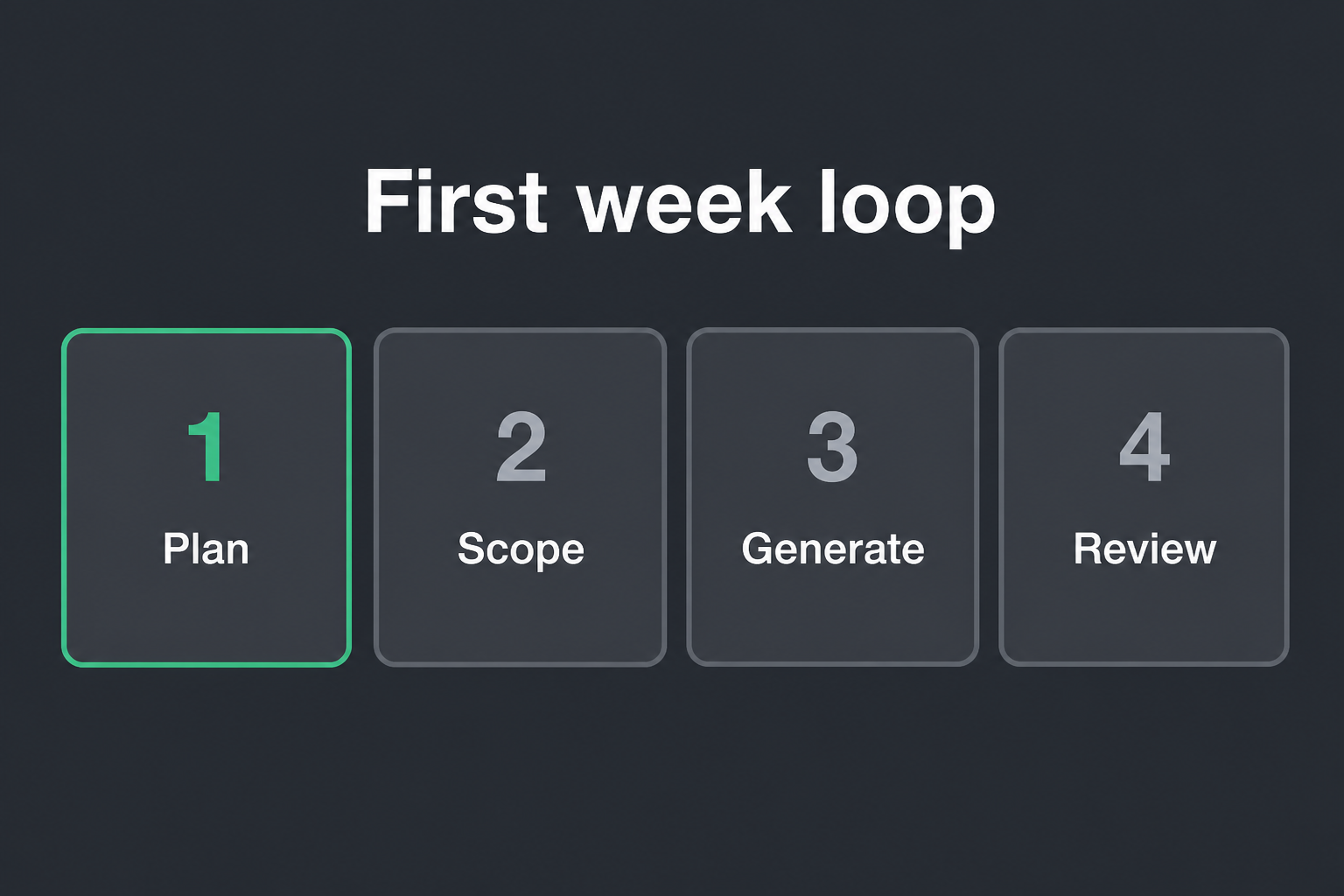
1. Plan. Write five sentences before you generate anything. What changes for the user? Which folders are in play? What is off-limits? How will you know it worked? If you cannot write that, you are not ready for the agent.
2. Scope. Open the files yourself. @ those paths. Name the files you will not touch. Broad context invites a broad diff. A broad diff is what you cannot review after lunch.
3. Generate. Ask the agent for one slice, not the whole feature. Types and a failing test first, or the helper plus the wire-up. Not “build invoice export and also clean up billing.” Match existing patterns. No drive-by refactors.
4. Review. Read the diff like a fast junior wrote it, because that is the honest mental model. Does it match the plan and only the plan? New deps you did not ask for? A second helper that already exists? Secrets in a log line? Reject the extra.
Then test the path that would fail if the behavior were wrong. Commit like a human. Repeat tomorrow on a smaller slice. Same four steps, smaller scope, until the agent feels like a pair.
Chat vs agent, one short split
Chat is for decisions. Agent is for a diff.
Use chat when you want options, a stack-trace read, or a plan you can argue with. Use the agent when the plan is already written, the files are already open, and you want something you can review.
A week-one pattern that does not get people in trouble:
- Chat: agree on the approach in five sentences.
- Agent: implement only that slice.
- You: read the diff. Reject anything that wandered.
- Chat again only if the riskiest bit is unclear.
If you skip the chat plan and jump straight to “implement export,” you will get a tour of files you never meant to open. I wrote the longer split in the production Cursor workflow. Week one, just remember: think in chat, type in the agent.
One small example: invoices CSV
Say the invoices list needs a CSV download. Do not type “add export.” Do this.
Plan. Add CSV export on the invoices list. Touch only app/invoices and the existing export helper if there is one. Do not change payment webhooks or the invoice PDF path. Acceptance: a unit test for the row shape, plus a manual download on staging.
Scope. Open the list page, the invoice query, and the current export helper. @ those three. Tell the agent those are the only targets.
Generate. Ask for the row mapper, the download handler, and a test that checks headers plus one sample row. Reuse the helper. Do not invent exportUtils2.ts. Do not restyle the table.
Review. Check date formatting against the UI. Check that unpaid invoices still export. Check that the handler does not pull fields you never show the user. Run the test. Click the button once. Commit: Add CSV export for the invoices list.
That is a first-week task. One behavior. One folder. One review. If the agent also “helpfully” rewrites the invoice status badge, you revert that part and you tighten the prompt next time.
Mistakes new Cursor users make
I see these in the first ten days, including from seniors.
Asking for the whole feature. You get a 40-file diff. You skim. You merge. You spend next week finding the middle.
Treating the agent as a search bar for architecture. If the repo already has an export helper, say so. New patterns need a decision, not a surprise file.
No off-limits list. Without “do not touch webhooks,” the agent will touch webhooks. It is being helpful.
Reviewing the summary, not the diff. Confidence is cheap. Read the files.
Letting AI-written tests be the only proof. Tests that mirror the implementation will nod along. Add one case that would fail if the behavior were wrong: empty list, a timezone, a permission you forgot.
Measuring the week by how much the agent wrote. Measure by PRs you can review in one sitting, and by how few you revert.
Those are first-week habit problems, not model problems. The fix is the loop, not a smarter prompt pack.
Do the loop for a week, then go deeper
A cursor ai tutorial for beginners who already ship code should end the same way a good first week ends: you still own the decisions.
Do the loop until it is boring. Then read the longer version: How to use Cursor AI to ship faster without wrecking the codebase. That is the production loop with tests, commits, rules, and team habits.
If you want a second pair of eyes while you install the habit on your repo, that is Level up. I will not sit through a UI tour with you. I will sit through your next messy PR and tighten the loop.
Want your team shipping with Cursor like this?
I set up project rules and a review habit on one of your real repos, then help the rest of the team adopt it. English or Indonesian.
Get Cursor mentoring for your team

