Grok Bot for office work: inbox, expenses and research

Table of Contents
Office work is inbox, expenses, research and status checks in tools with no API. These are the jobs I would give a Grok Bot first. For what the app is, read the Grok Bot intro.
I am Aris Setiawan. I ship Next.js for client work. This post is my plan for an office desk.
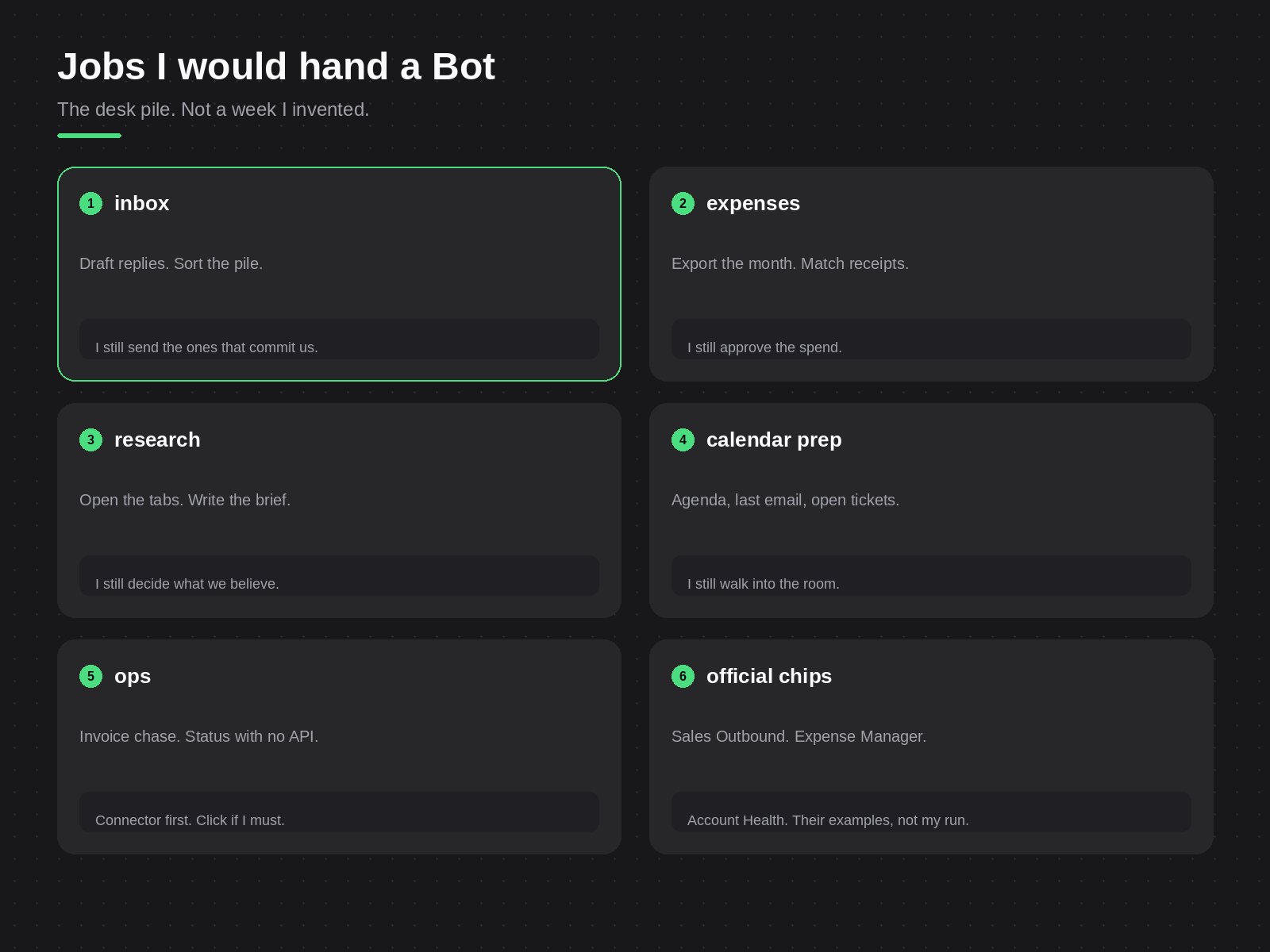
Jobs I would hand a Bot
I name each Bot for its job, so the name tells me what it does. The name is only a label. All Bots on one account share one cloud computer.
The product page shows example Bots such as Sales Outbound, Expense Manager and Account Health. I give no time savings for them.
This list shows the jobs I would hand off and the step that I keep:
| Job | What the Bot does | What I keep |
|---|---|---|
| Inbox | Drafts replies, sorts mail, pulls threads before a meeting | I send any reply that commits us |
| Expenses | Exports the month, matches receipts, flags gaps | I approve the spend |
| Research | Opens sources and writes a brief into /workspace | I decide what we believe |
| Meeting prep | Collects the agenda, the last email and open tickets | I lead the meeting |
| Status checks | Uses a connected app, or the website in the browser | I check the result |
A Bot can keep working when I close the laptop. Closing the app does not stop a background turn.
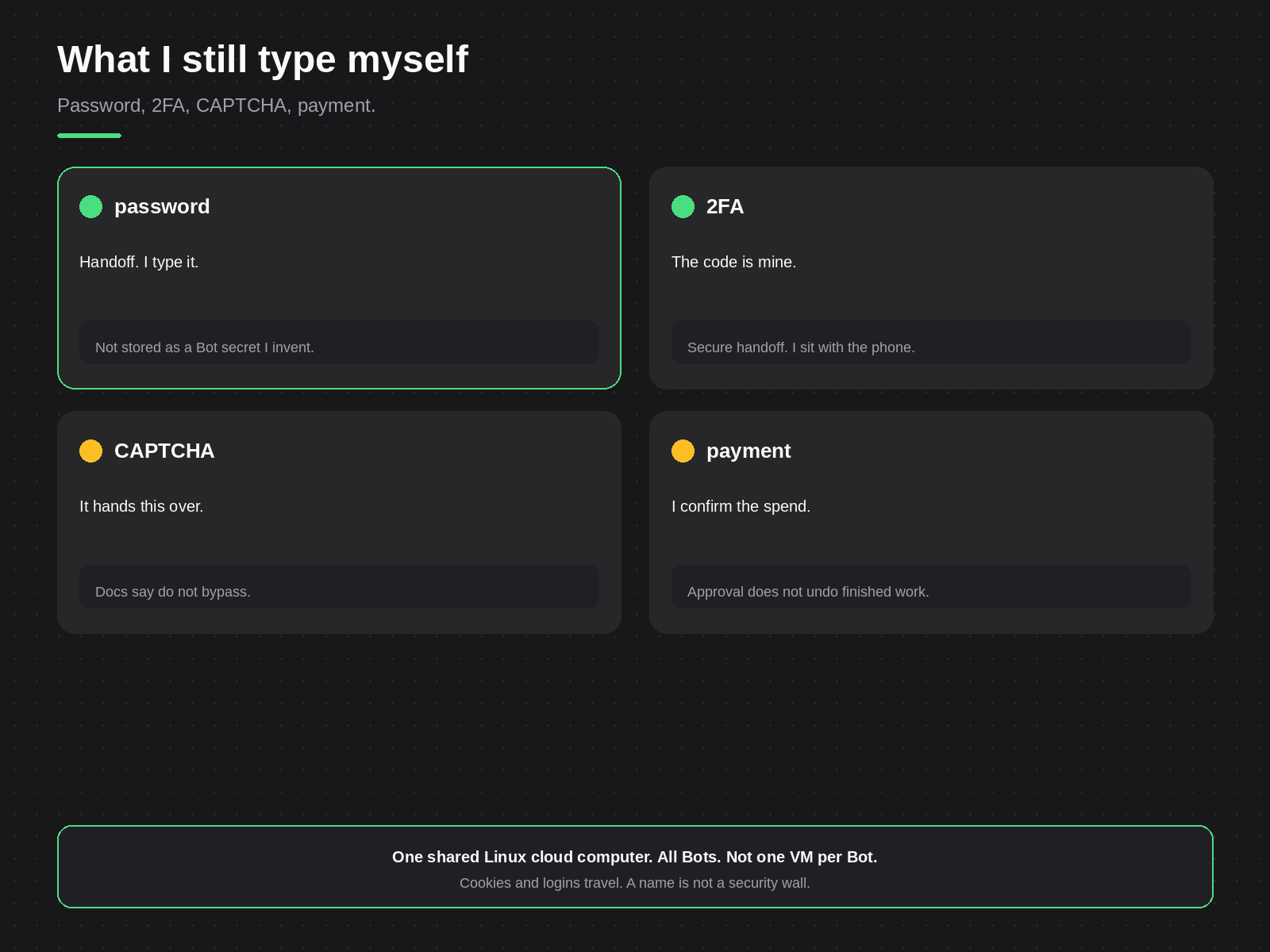
What I still type myself
Passwords, two-factor codes and CAPTCHAs come back to me through a computer takeover. Purchases and financial transfers wait for my approval.
Auto-review checks tool calls and computer actions. I can set “Ask first” or “Allow automatically” rules. A prompt offers “Allow once”, “Always allow” or “Deny”. The intro post explains what an approval cannot undo.
Browser cookies and signed-in sessions belong to the shared computer, not to one Bot. So I do not use a second Bot as a safe place for production credentials.
How I would set it up
- Install the app on the computer or phone I use. The FAQ lists the supported systems.
- Sign in with the plan I have. Grok Bot uses Cursor authentication.
- Name one Bot each for inbox, expenses and research.
- Sign each Bot into its tools, watch the first run and type the codes.
- Make a skill for the task. Add a routine only after one run finishes well.
Teach a task can record a browser workflow into a draft skill. The recording has a ten minute limit. The rollout may be gradual, so some accounts may not have it yet.
Last checked: 24 October 2026.
Start with one office job that you can check in five minutes. Today, pick that job and write it as a single request to one Bot.
Need this built instead of read about?
Send me your project. I reply within 24 hours and tell you plainly whether I’m the right fit.
Send me your project

