Next.js cache on Vercel: what I change first

Table of Contents
On Vercel I start with the cache I can name, not a speed score.
The fetch. The tag. What busts it after a write. If I cannot say those three, I do not touch a CDN checkbox.
I already wrote the App Router I keep in `app/` and the API routes I trust. This post is the cache I set on that tree.
The offer page is Hire a Next.js developer. This is the practice, not a deploy brochure.
What I set on fetch first
I open the fetch that feeds the page. I do not open the Vercel dashboard first.
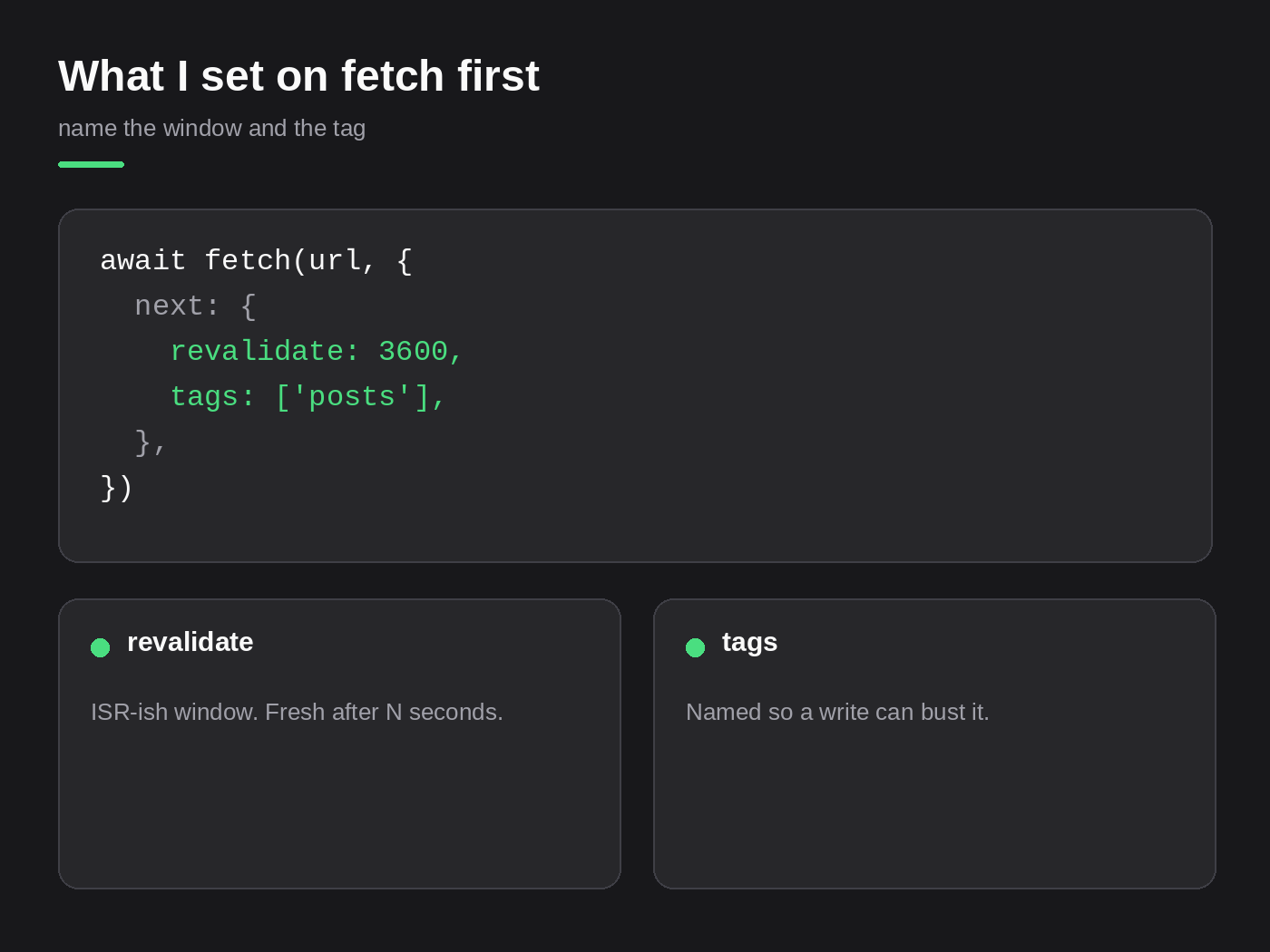
A public list gets a window and a tag:
await fetch(url, {
  next: {
    revalidate: 3600,
    tags: ["posts"],
  },
});
revalidate is the ISR-ish window. After an hour the next request can rebuild. That is fine for a marketing page that changes once a day.
tags is the name I can bust. Without a tag, a write has nothing to poke. The page waits for the window, or for a redeploy.
I do not leave a default fetch with no window and no tag and call it “static.” On Vercel that fetch lives in the Data Cache until something evicts it. I want the eviction to be a function I wrote, not a hope.
If the page also has export const revalidate = 3600, I still put the tag on the fetch. The segment window and the fetch tag are not the same knob. I name both when both exist.
Tags I can bust after a write
A write that does not name a tag is how an edit sits invisible.
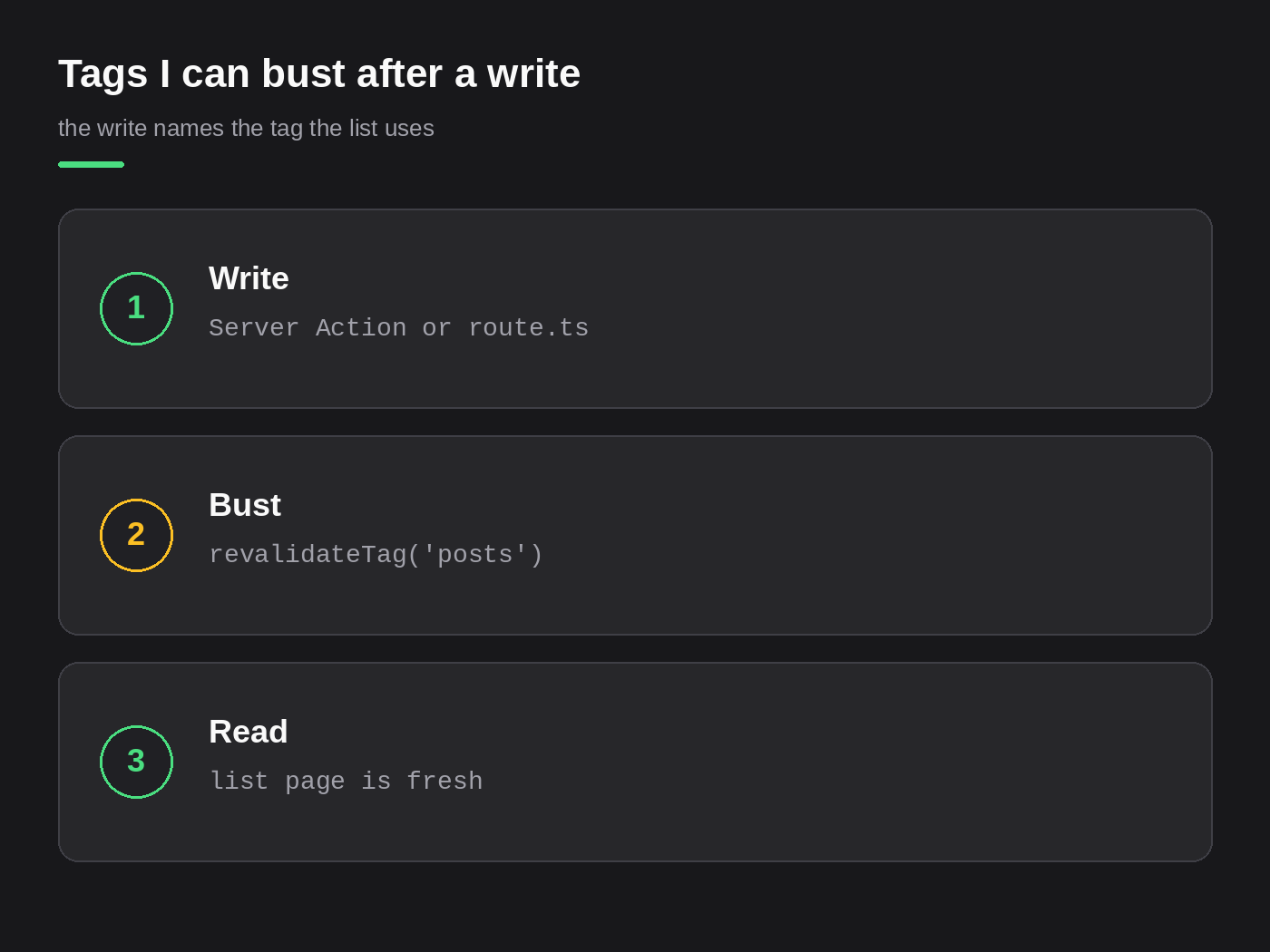
The write lives in a Server Action when the form is ours, or in route.ts when the caller is a webhook. I already wrote which of those I trust. The cache rule is the same: after the row is saved, I call revalidateTag with the tag the list page used.
revalidateTag("posts");If the list is tagged posts and the write busts post-123, the detail can update and the index stays stale. I bust every tag that page used. Sometimes that is two tags. I write them down before I ship the action.
When the Full Route Cache still serves old HTML after the data tag is gone, I add revalidatePath for that URL. The fetch cache and the route HTML are two layers on Vercel. A tag on the fetch does not always throw the HTML away.
I do not “purge everything” from the dashboard to hide a missing tag. That is a restart, not a cache design.
When I use no-store
A fetch that reads a session cookie is cache: "no-store". Or the page uses cookies() and I still mark that fetch. Auth and cache stay in the same sentence.
A dashboard. An account header. A price that depends on who is signed in. Those are not ISR. I do not give them a 60 second window so the first user of the minute owns the page for the next.
no-store is for the request that must see this user, this write, this second. I use it on purpose. I do not sprinkle it on every public fetch because a page felt stale once.
A webhook POST is never cached. I said that in the API post. Same rule here.
What still surprises me on Vercel
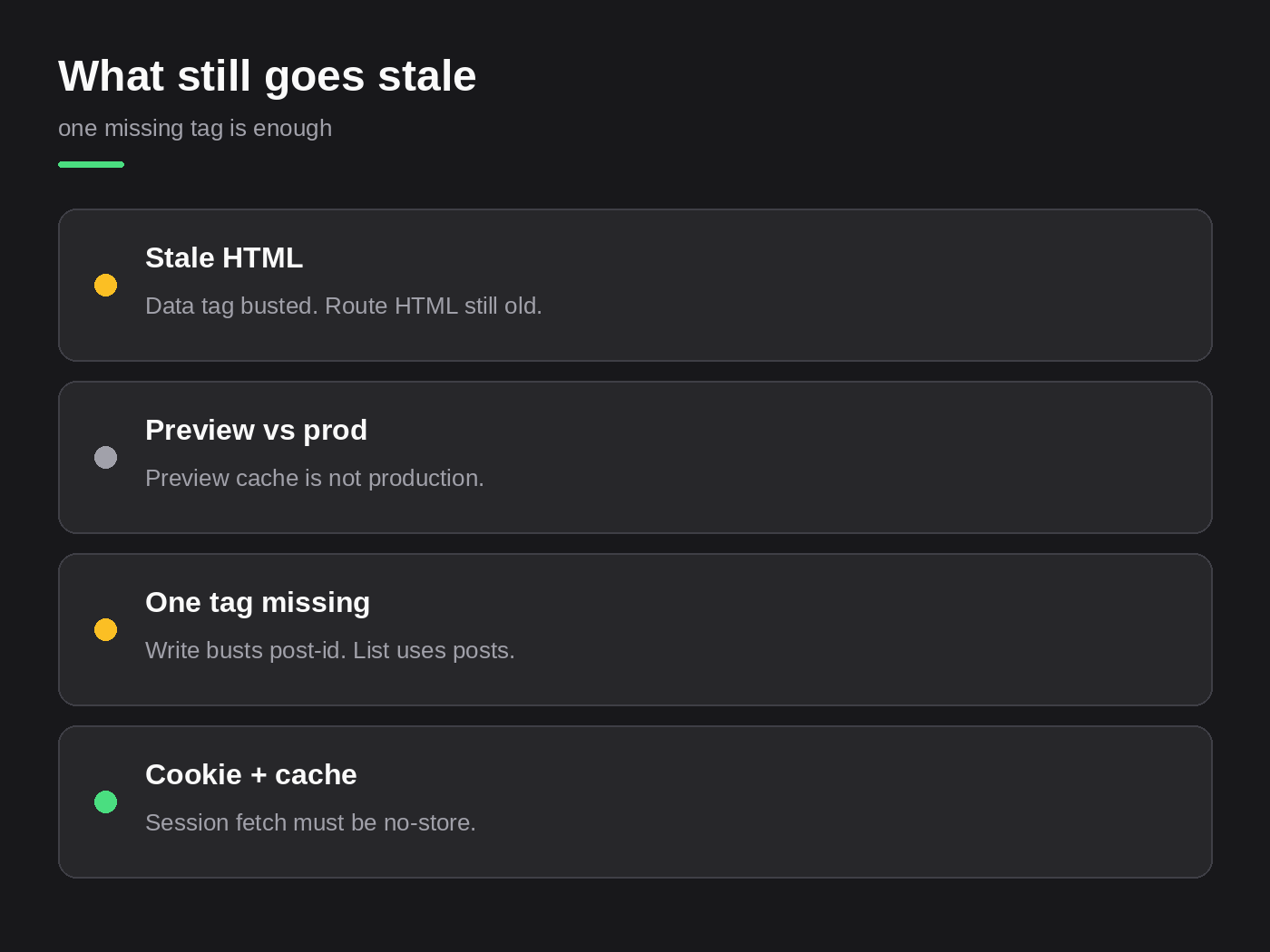
Stale HTML. I busted the data tag. The list JSON is new. The document is not. Vercel still has a route payload. I add revalidatePath or I tag the render in a way the path can see. Then I load the URL in a private window, not the tab I have been refreshing.
Preview vs prod. The preview URL is a different cache. Green on a preview deploy does not mean production is fresh. I check the production host after the write. I have burned time “fixing” a cache that was only wrong on my preview.
One tag missing. The write busts post-id. The index fetch is tagged posts. One of them updates. The other does not. I treat that as a missed name, not a Vercel outage.
Those three are the ones I still walk on a stale ticket. I do not start with “the CDN is broken.”
What I skip
export const dynamic = "force-dynamic" on the root layout so cache bugs disappear. That turns the whole app into a request. You paid for a cache and then opted out of it for every URL. I use force-dynamic on the segment that must be dynamic, not on app/layout.tsx.
Hoping ISR without a write path. A 60 second window is not a publish button. If an editor saves a post, I want revalidateTag in that save. If I cannot name the write, I am not done.
A dashboard “purge cache” as the release step. If the only way to see an edit is a purge, the tag is missing.
What I will take
I take a Next.js app on Vercel whose cache I can walk after a write. Show me the fetch, the tag, and the action that busts it. I will also take the messy case: a page that stays stale, a cookie fetch someone cached, a preview that lied about prod.
I will not take a speed-score project with force-dynamic on the whole tree and no owner for what happens after save.
If you want this owned on your product, that is the work on Hire a Next.js developer. Send the repo or the ticket.
Need this built instead of read about?
Send me your project. I reply within 24 hours and tell you plainly whether I’m the right fit.
Send me your project