AI chatbot development that fits a real Next.js app

Table of Contents
AI chatbot development that has to live in a real Next.js app is not a chat demo. It is a route that owns the request, a stream the UI can follow, and tools the model can call without turning your app into an open proxy.
I have shipped the cute widget. A floating bubble. A third-party iframe. A key sitting in the browser because the tutorial said so. It looked finished in a walkthrough. It broke the first week someone asked the bot for something that touched a real order, a real user, or a real bill.
I already wrote the App Router I keep in `app/`, the API routes I trust, and the cache I set on Vercel. This post is AI chatbot development when the bot has to sit in that same tree.
The offer page is Hire an AI developer.
What I wire first
I do not start with a model picker. I start with three named pieces: the route, the stream, and the tools.
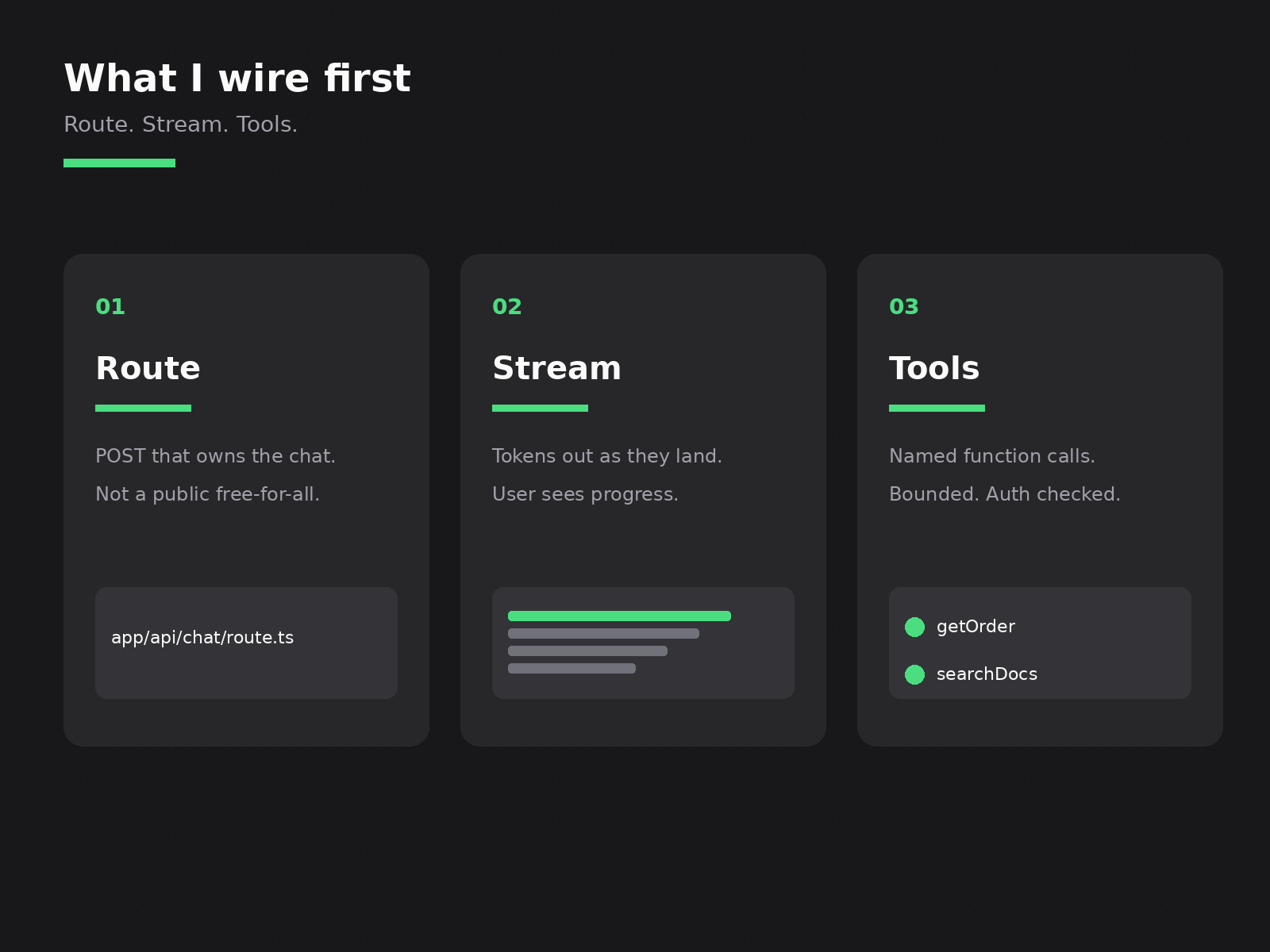
Route. There is one POST that owns the chat. Usually app/api/chat/route.ts. That file reads the session, checks the user, and calls the model. I do not leave a public endpoint that any visitor can hammer with my key. If the chat is only for signed-in people, the route fails closed before a single token leaves.
Stream. I stream tokens out as they land. The user sees the answer grow. Waiting on a full JSON blob for a long reply feels broken even when the model is fine. With the Vercel AI SDK that is the normal path: the route returns a stream, the client renders it. I do not invent a second polling loop because streaming felt hard on day one.
Tools. Function calls are how the bot touches your app. getOrder. searchDocs. createTicket. Each tool has a name, a schema, and an auth check inside the handler. The model proposes the call. My code runs it. I do not hand the model a raw database client and hope.
Those three are the product. The model brand is a swap. OpenAI today, Anthropic tomorrow, something else next year. The route, the stream, and the tool list stay.
A short sketch of the route shape I keep coming back to:
// app/api/chat/route.ts
export async function POST(req: Request) {
  const session = await auth();
  if (!session?.user) {
    return new Response("Unauthorized", { status: 401 });
  }

  const { messages } = await req.json();

  const result = streamText({
    model,
    messages,
    tools: {
      getOrder: {
        description: "Fetch one order for the signed-in user",
        parameters: orderSchema,
        execute: async ({ id }) => getOrderForUser(session.user.id, id),
      },
    },
    maxSteps: 3,
  });

  return result.toDataStreamResponse();
}
That is not a full product. It is the spine. Auth first. Tools that know the user. A step cap so the model cannot loop forever.
Where the bot lives in the App Router
People ask where the chat “should” live. Server Action, route handler, or a fat client component. I pick based on what the request needs to do.
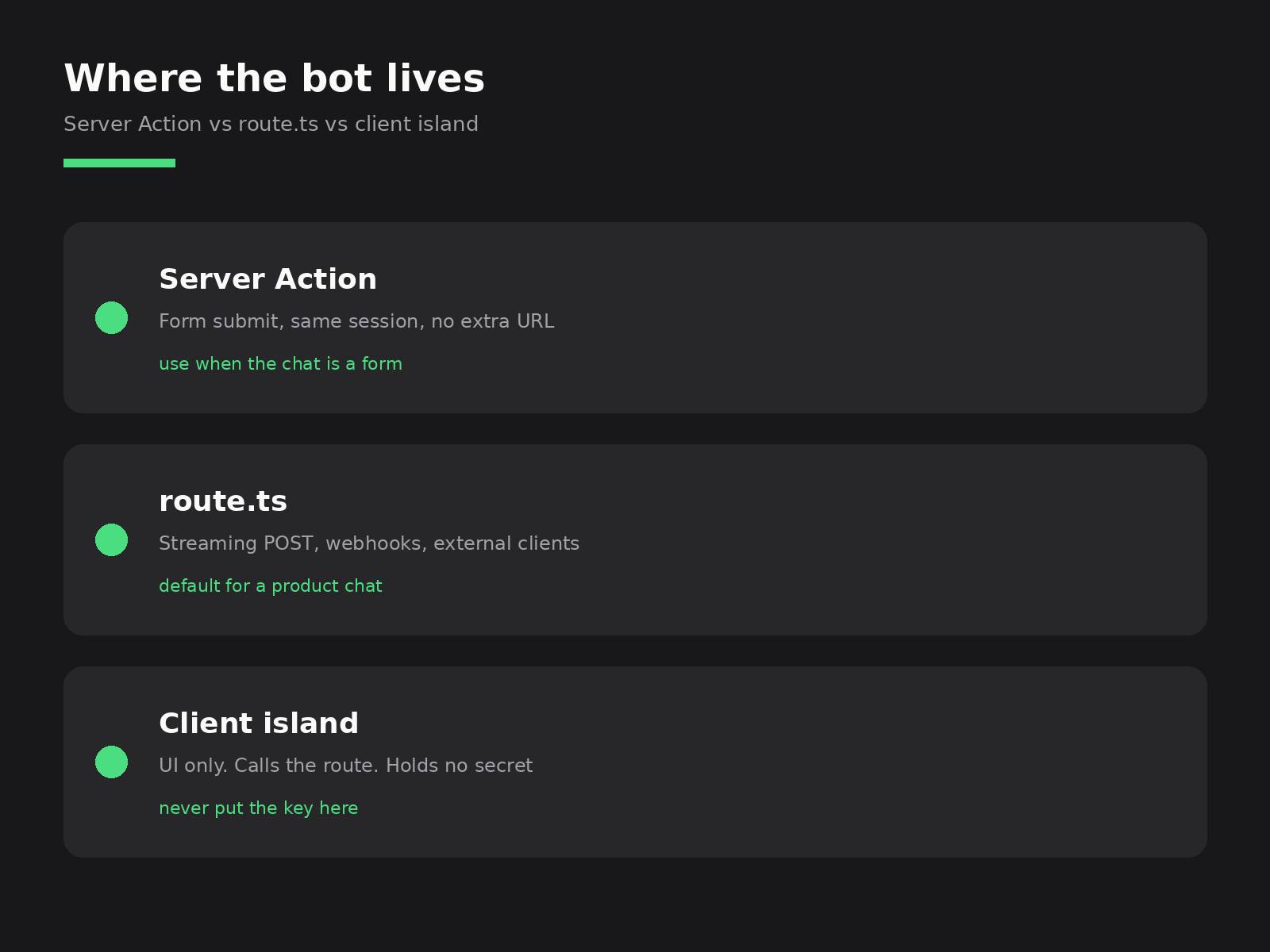
Server Action when the chat is basically a form. Short prompt, one reply, same session, no need for a public URL. Fine for an internal admin helper. Awkward when you want a proper streaming UX or an external client calling in.
Route Handler when the chat is a product surface. Streaming POST. Mobile client. Another service posting into the same handler. This is my default for AI chatbot development inside a Next.js app. Same rules I already use for API routes: the handler owns auth, validation, and what leaves the server.
Client island for the UI only. The React tree that holds messages, the input, the scroll. It calls the route. It never holds the model key. NEXT_PUBLIC_ and an LLM secret do not belong in the same sentence.
I do not put the whole bot in a client component “so it feels faster.” The network hop to your own route is cheap. Leaking the key is not.
If the page that hosts the chat also needs fresh user data, I keep that fetch on no-store the same way I do for any session page. Chat and cache stay in the same conversation: public marketing can be static; the signed-in chat shell is not.
Auth, cost, and what I refuse to ship
This is the part demos skip.
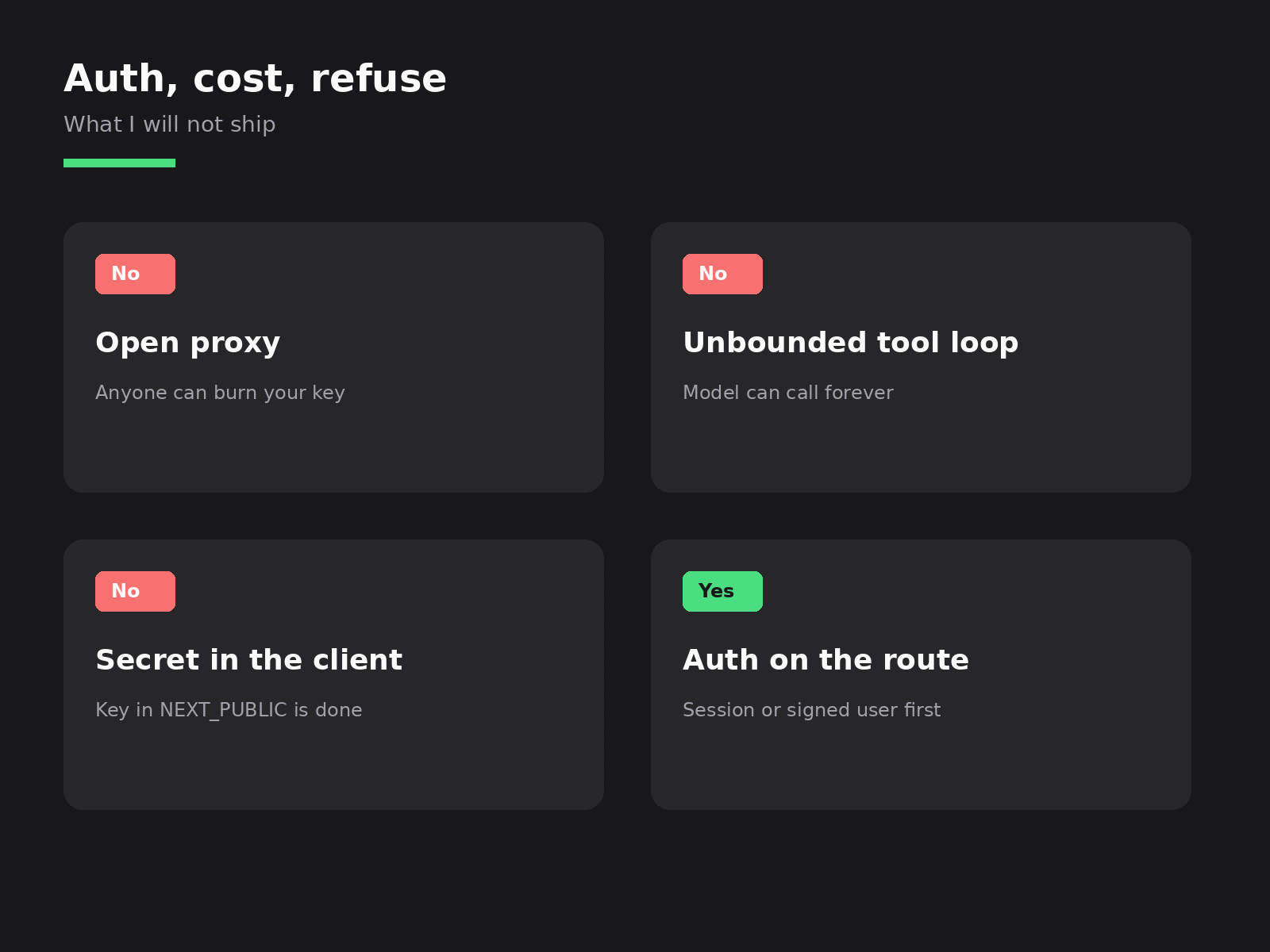
No open proxy. If anyone on the internet can POST to your chat route and burn tokens on your bill, you did not ship a chatbot. You shipped a shared wallet. Auth on the route. Rate limit per user. I would rather return 401 than explain a surprise invoice.
No unbounded tool loop. Tools are powerful. They are also a way for a confused model to call searchDocs forty times. I set maxSteps (or the equivalent) low. I log every tool call. If a tool fails, I return a clear error to the model once. I do not let it retry in a dark loop while the meter runs.
No secret in the client. The API key lives on the server. Full stop. I have inherited apps where the key sat in a client bundle “just for the prototype.” Prototypes go to production. The key goes with them. Move it to the route before you show the bubble to a customer.
Cost is a product decision, not an afterthought. I cap messages per user per day when the use case allows it. I trim history instead of sending the whole thread on every turn. I pick a cheaper model for classification and tool routing when the hard model is only needed for the final answer. None of that is fancy. It is how you keep AI chatbot development from becoming a monthly surprise.
I also refuse to ship a bot that can write anywhere the signed-in user can write, with no review. Read tools first. Write tools only when the blast radius is named. Same instinct as a careful Server Action: know what the call can touch.
What I skip
I skip the floating bubble on day one if the product does not need it. A chat page at /support or a panel inside the dashboard is enough. The bubble is chrome.
I skip training a custom model when retrieval plus tools will do. Most product chatbots need your docs, your orders, your tickets. They do not need a fine-tune. They need clean tools and a prompt that names the job.
I skip storing every raw completion forever “for later.” Keep what you need for support and debugging. Drop the rest. Logs without a retention plan become a second product.
I skip blending this with Cursor mentoring or a “vibe code” pitch. Different offer. Different URL. This post is Build: the bot inside the Next.js app you ship.
I skip promising “human-like” copy in the marketing line. The bot should be correct, fast enough, and bounded. Personality is optional. Wrong answers with a friendly tone still burn trust.
What I will take
I will take a Next.js app that already has auth and a real domain object the bot should touch. Orders. Docs. Tickets. Accounts. We wire the route, the stream, and two or three tools. We put a cap on steps and spend. We ship behind the signed-in wall first.
I will take a demo that needs to become a product. Pull the key out of the client. Move the call into route.ts. Replace the fake tool stubs with handlers that check the user. That week of work is usually worth more than another model bake-off.
If that is the ticket on your desk, the door is Hire an AI developer. Send the repo shape and what the bot is allowed to do. I will tell you what I would wire first.
Need this built instead of read about?
Send me your project. I reply within 24 hours and tell you plainly whether I’m the right fit.
Send me your project