How to use Cursor AI to build an app without a mess

Table of Contents
People type “build me an app” into Cursor, go make coffee, and come back to a repo they cannot explain.
A new UI kit. Three extra packages. Zero tests. That is not how to use Cursor AI to build an app. That is a demo with extra steps.
I’m Aris Setiawan. Senior full-stack, first Cursor Ambassador in Indonesia. I ship client work in Cursor every week, including greenfield apps.
This is not “build Twitter in 20 minutes.” The production loop is How to use Cursor AI to ship faster without wrecking the codebase. If you just installed Cursor, start with the beginner tutorial. The messy-repo version is How to use Cursor AI effectively on a real repo. This post is the small-app version: one feature, your stack, a fence, then a loop.
Why “build me an app” dumps a mess
Cursor is helpful. A wish with no map invents.
Four things I still see when someone pastes “build me a task app”:
Invented stack. You use Next.js App Router and pnpm. The model still drops a Pages Router leftover, an npm lockfile, or a Prisma schema you never asked for.
Extra packages. A toast library. A form library. A state library. You needed a list and a form. You got a starter kit.
No tests. The demo looks done. Nothing fails if the write path is wrong.
No fence. No project rules. No named folders. Composer (or Agent) picks architecture from vibes. That is the 30-file “hello world.”
“Build me an app” names a wish, not a pattern.
Pick a tiny first slice
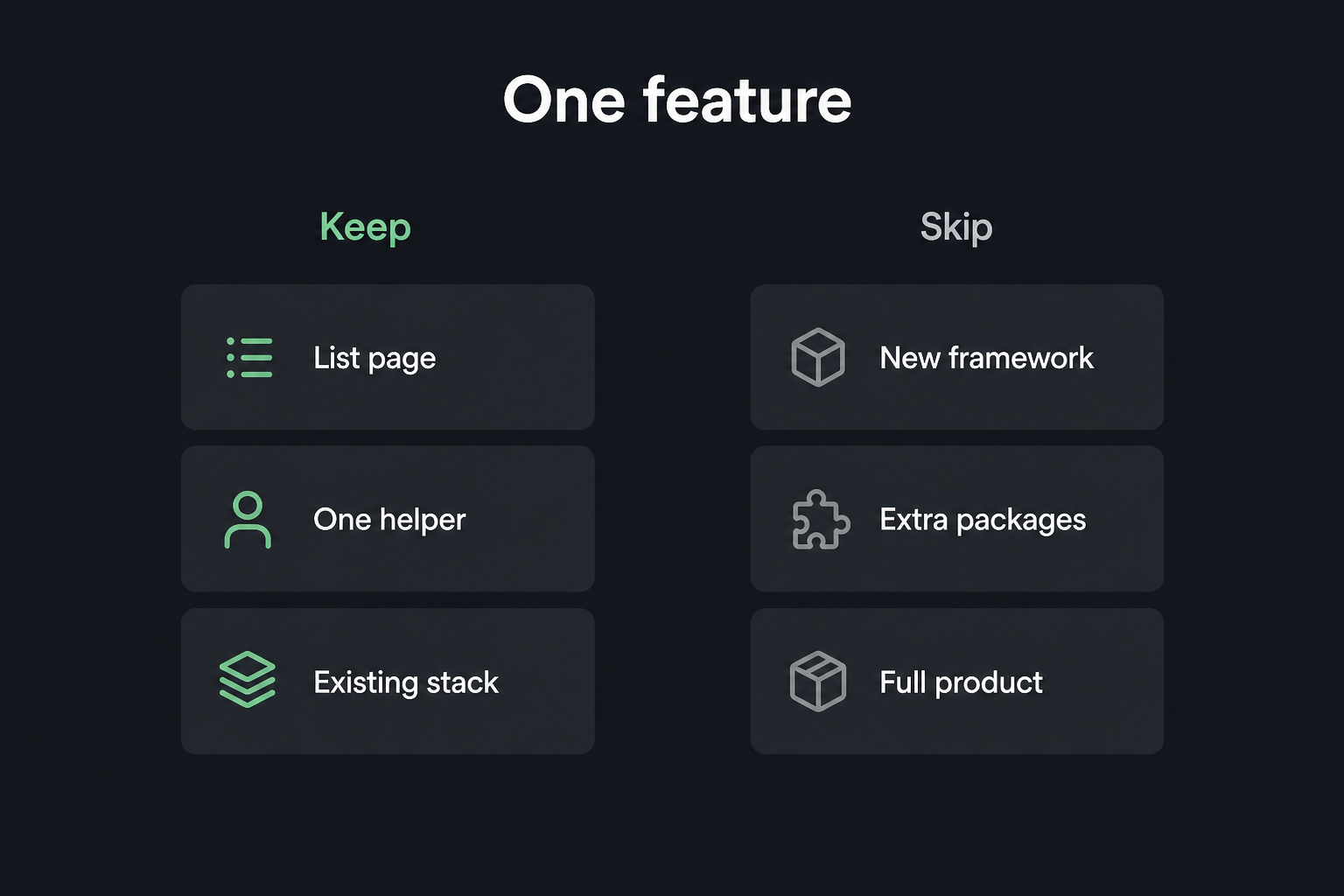
Do not ask for the product. Ask for one list and one write path.
A notes app is not “auth, tags, search, sharing, and a landing page.” It is: list notes, create a note, see it on the list. That is a Cursor Next.js slice I will actually review.
Name the stack you already use. Out loud. In the prompt. In the rules. Mine, on most of this work: Next.js App Router, TypeScript, pnpm, Tailwind. If that is not yours, write yours.
Three rules for the first slice:
- One user-visible behavior. List plus create.
- Paths you can name before you generate.
app/notes,lib/notes, maybecomponents/ui. - A test you can run. Empty list. Create one note. See it.
If you cannot name the folders, you are still in the wish. Stay in Chat until you can.
Scaffold the Next.js app yourself, then let Cursor fill the slice. You do not build an app with Cursor by asking for the product. You build the first ticket.
Install the fence first
Before Composer writes a file, put the fence in.
The full version is Project rules that stop Cursor from inventing bad architecture. For a small app I still use the same half page: stack, folder map, do not create a new package or top-level folder, prefer lib/ over a new utils/, error shape, test command, no drive-by refactors.
I drop .cursor/rules in before the first Composer job. Empty rules plus “build me a notes app” is how you get packages/notes-v2 and a second button.
The loop: Chat, Composer, review
Same split I use on client work: Chat vs Composer in Cursor.
Chat plans. “We need a notes list and a create form. Propose the smallest Next.js App Router change. Do not write files. Name the paths.”
Composer ships a scoped diff. Open those files. @ them. Name what is off-limits.
You review like a PR. Types, extra folders, a package you did not ask for, the test it skipped.
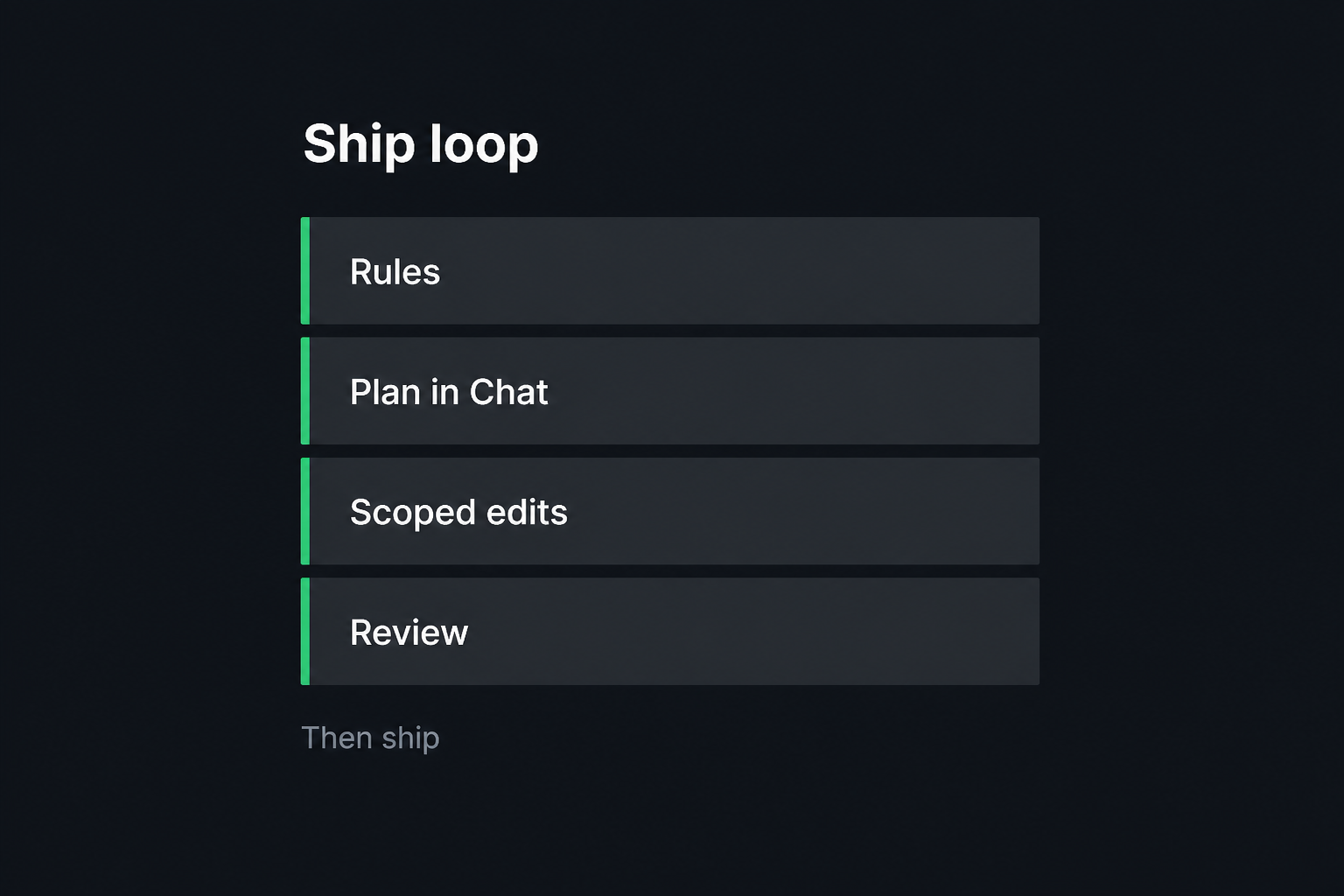
A loop I trust on a new app:
- Rules exist. Stack and folders are named.
- Chat names the files for this slice. Plan only.
- Open those files. Run Composer once, with a blast radius.
- Read every file it touched. If it opened a stranger, stop.
Composer without a plan is Chat with write access. That is how a notes list becomes auth, Prisma, and a dashboard you did not ask for.
A prompt I would actually run
Generic Next.js App Router. First slice of a notes app, on top of the rules file.
Chat first:
Plan a notes list plus a create form in this Next.js App Router app. Stack is already Next.js App Router, TypeScript, pnpm, Tailwind. Do not write files. Name the paths under
app/notesandlib/notes. Do not add auth, Prisma, or a new package. Propose one test for the create path.
Then Composer, after I open those files:
Build only the notes list and create form. Touch
app/notesandlib/notesonly. Reusecomponents/ui. Follow project rules. Do not create a new top-level folder or a new package. Match the error shape{ error: string, code?: string }. Add a colocated*.test.tsfor empty list and one successful create. Do not add auth, search, or tags.
That is how to use Cursor AI to build an app without a mess: one slice, named files, a fence. If Composer wants Prisma because “we will need it later,” I say no. Later is another ticket.
What “done” looks like
“Done” is not a demo in the browser. I check this:
pnpm devruns. The list loads. I can create one note and see it.pnpm testruns. Empty list and one create are covered. I still click the happy path.- No extra top-level folder. No extra package in
package.jsonI did not ask for. Noutils/next tolib/. - The diff is still PR-sized. A teammate can find the feature in
app/notes.
If the repo looks like a starter-kit mashup, you got faster at making mess. That is the opposite of a Cursor AI app you can keep. Ship the slice. Auth last, when the write path is real.
What I tell mentees
People ask how to use Cursor AI to build an app, then they paste the whole product into Composer and wonder why the repo is a mess.
One list. One write path. Your stack. Fence first. Chat to plan. Composer with named files. Review like you own the on-call.
I coach this in Cursor mentoring when someone has a greenfield dump they cannot explain. The fix is almost never “use a smarter model.” It is the loop above, on the app they actually want.
If you need the product built, not the workflow installed, that is the Build path.
Ship the list. Leave the extra folders out.
Want your team shipping with Cursor like this?
I set up project rules and a review habit on one of your real repos, then help the rest of the team adopt it. English or Indonesian.
Get Cursor mentoring for your team

