SEO Metadata in Next.js App Router Done Right

Table of Contents
I set SEO metadata once in Next.js App Router. metadata or generateMetadata on the page that owns the URL. The layout holds the default. The page overrides. Titles do not double.
That is the whole job. Not a second <title> in the layout JSX. Not the brand name pasted into every page.
I already wrote the App Router I keep in `app/`, when I still touch Pages, the API routes I trust, and how I migrate without drama. This post is SEO in Next.js App Router: titles, Open Graph, and the concatenate bug I still inherit.
The offer page is Hire a Next.js developer. If the ticket is metadata, titles, and crawl, that is also the Next.js SEO work. This is the practice, not an audit brochure.
Set it once on the page that owns the URL
A route gets one title. I write it on the file that is that URL.
Static page: export const metadata. Dynamic page: generateMetadata. I do not do both. I do not also drop a <title> tag in the layout so “it shows in view source.”
The layout can hold a default description, a default Open Graph image, a metadataBase. Those are fallbacks. They are not the post title.
If I cannot point at the object that produced the tab title, I am not done. Same rule I use for cache on Vercel: name the thing, or do not ship.
Root layout is the default, not the title
app/layout.tsx is where I put the site name as a default. Not as the page title.
export const metadata = {
  metadataBase: new URL("https://madebyaris.com"),
  title: {
    default: "Madebyaris",
    template: "%s | Madebyaris",
  },
  description: "Next.js, WordPress, and AI product work.",
};
default is what a route uses when it does not set a title. template is the suffix. The page passes the %s. I do not put the suffix in the page title as well.
A nested app/blog/layout.tsx does not get its own title: "Blog". That is how “Post | Blog | Madebyaris” is born. The blog layout can set a default description for the section. The post still owns the title.
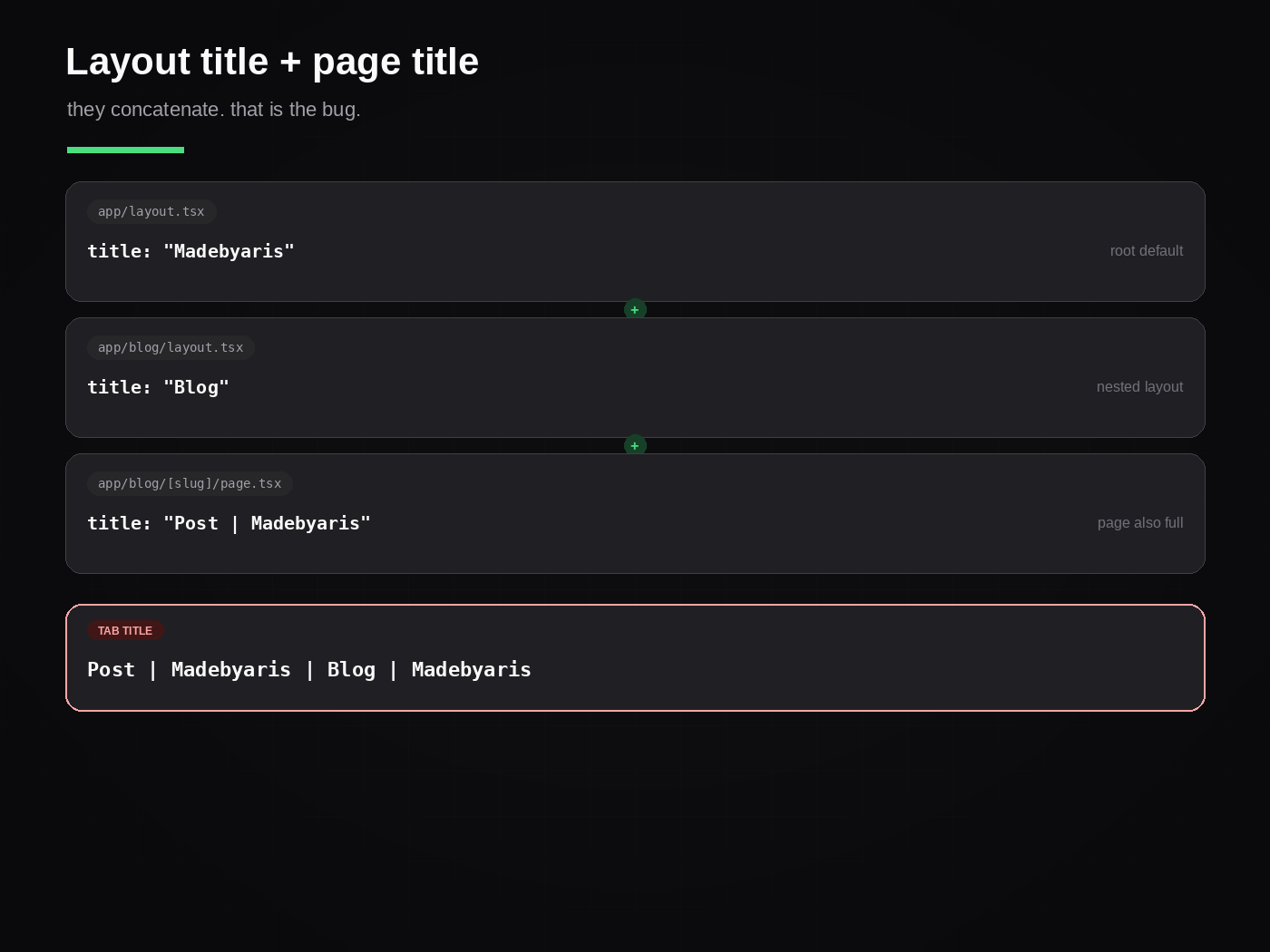
This is the bug. Layout title as a string. Nested layout title as a string. Page title already including the brand. Next merges them. The tab reads “Post | Madebyaris | Blog | Madebyaris”. Google gets that string too.
I have shipped that. I have inherited it on a marketing site where every H1 looked fine and every tab looked drunk. The fix is not a unique title in four files. The fix is one default, one template, one page title.
title.template vs absolute
Most routes want the suffix. A hire page, a home page, a campaign URL often does not.
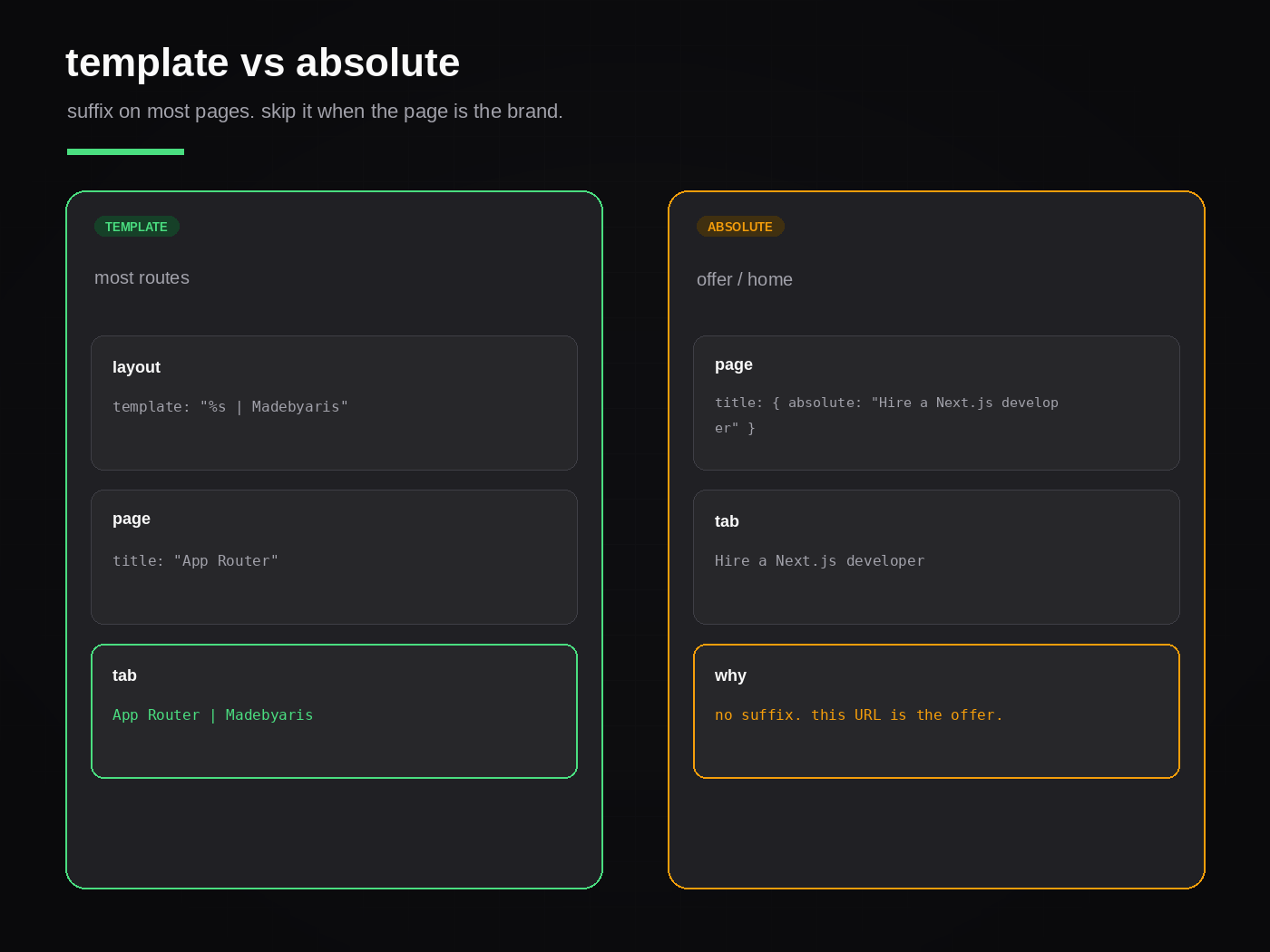
Template: the page sets title: "App Router". The tab is App Router | Madebyaris. That is what I want on a blog post.
Absolute: the page sets title: { absolute: "Hire a Next.js developer" }. The template is skipped. The tab is exactly that string. I use this when the URL is the offer, not a child of the brand.
I do not fight the template by stuffing the full branded title into every page. That is how you get the brand twice. If the suffix is wrong for this URL, I use absolute. I do not delete the template from the root layout so one landing page looks clean.
generateMetadata for a dynamic route
A [slug] page cannot hardcode a title. I load the record, then I return one object.
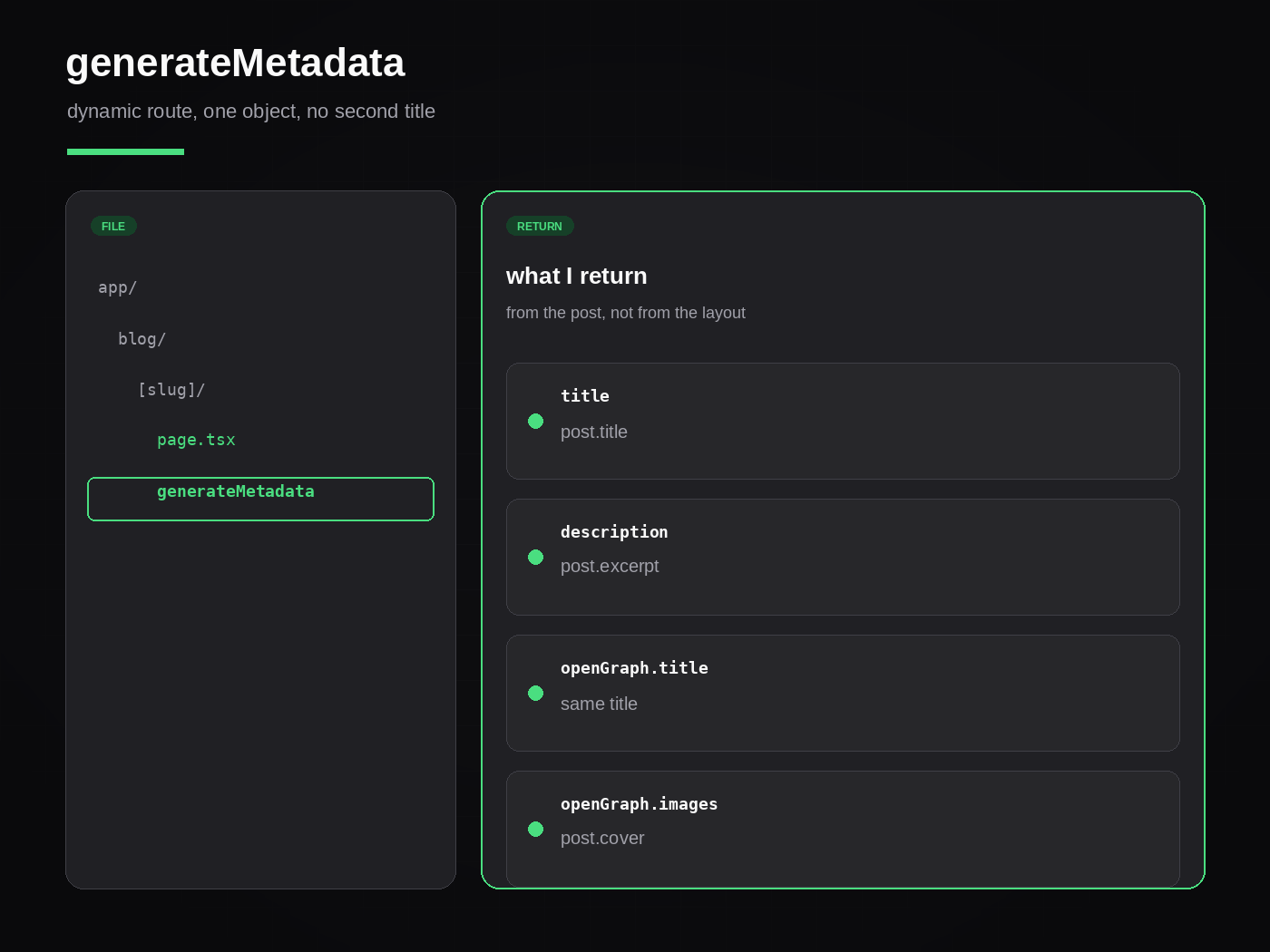
export async function generateMetadata({ params }) {
  const { slug } = await params;
  const post = await getPost(slug);
  if (!post) return { title: "Not found" };

  return {
    title: post.title,
    description: post.excerpt,
    openGraph: {
      title: post.title,
      description: post.excerpt,
      images: post.cover ? [{ url: post.cover }] : undefined,
    },
  };
}
The title is the post title. The template in the root layout adds the site name. I do not return post.title + " | Madebyaris". That is the concatenate bug with extra typing.
If the fetch is the same one the page uses, I share the helper. I do not fetch twice with two cache stories. I already wrote how I wire a headless WordPress front: REST, a tag, the slug as the key. generateMetadata uses that same helper.
A missing post gets a small title and the page returns 404. I do not invent “Untitled” so the function always returns something pretty.
Open Graph from the same object
Open Graph is not a second metadata system. It is fields on the same return.
openGraph.title matches title unless I have a reason it should not. Same for description. The image is one URL, absolute, via metadataBase or a full string. I do not leave a relative /og.png and hope the crawler knows the host.
I set twitter.card when I care about the card. I do not copy the whole Open Graph tree into a Twitter object “for completeness.” If the image is missing, I let the layout default show. A broken og:image is worse than the site default.
Canonical is the public URL. On this site that is madebyaris.com, not the WordPress CMS host. If I ship the CMS URL as canonical, I have told Google the wrong owner.
What I skip
A <title> in layout.tsx plus an exported metadata object. One of them will win. I will not remember which on a Friday.
next/head on an App Router page. That is Pages habit. Metadata lives in the export.
A client layout so I can usePathname a title. The title is a server field. If the document title has to change after a click, I still start from the server object.
Four nested layouts that each set title. The innermost page should be the only one naming the URL.
A unique description that is the title copied twice. Description is the sentence under the link. I write it like the excerpt: what the page is, in one breath.
What I will take
I take a Next.js App Router app whose tab titles I can explain. Show me the root metadata, the template, and the page or generateMetadata that fills %s. I will also take the messy case: doubled titles, a CMS slug in the canonical, Open Graph pointing at localhost, a blog layout that keeps adding “Blog” to every post.
I will not take a rewrite that sprinkles next/head through client components so “SEO is covered.”
If you want this owned on your product, that is the work on Hire a Next.js developer. Metadata, titles, and crawl sit with the Next.js SEO support page. Send the repo or the ticket.
Need this built instead of read about?
Send me your project. I reply within 24 hours and tell you plainly whether I’m the right fit.
Send me your project