Google AI Mode and your website: what changes for SEO
Table of Contents
If Google now shows an AI Mode button to your customers, this post explains what Google says changes for your website and what you can check.
Google AI Mode is an AI search mode in Google Search. It answers with an AI response and links to supporting websites. Google says a page needs no special markup or file to appear there.
Last checked against Google’s own pages: 7 October 2026.
What Google AI Mode is
AI Mode is Google’s AI search experience inside Google Search. You ask a question and get an AI response with links to the web. You can ask follow-up questions.
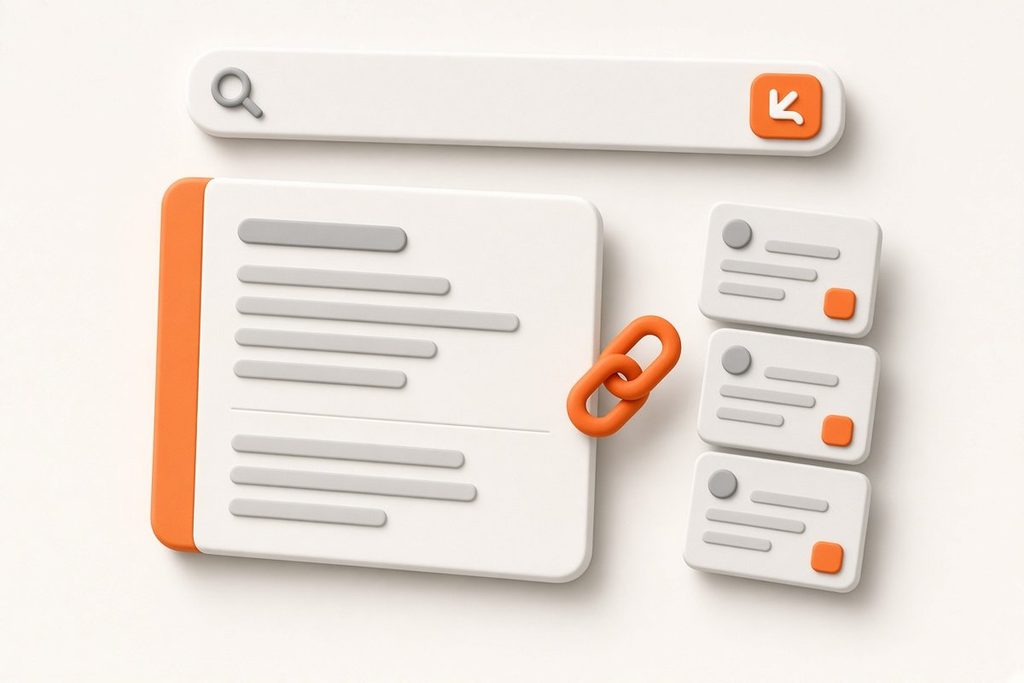
Google says AI Mode splits your question into subtopics and searches each one at the same time. Google calls this “query fan-out”.
You can open AI Mode in three ways, per Google’s Help page:
- Go to google.com/ai.
- Search on google.com and tap AI Mode.
- Tap AI Mode on the Google app home screen.
That matters for the worry about clicks. Google does not say AI Mode replaces links. Google’s Search Central doc says AI Mode shows “links to supporting websites”.
AI Mode, AI Overviews and Gemini
These three names refer to different things. AI Overviews is a summary on the normal results page. AI Mode is a separate mode for questions that need more exploration, reasoning or comparison. Gemini is the Google model family that powers both.
| Name | Where you see it | What it does |
|---|---|---|
| AI Overviews | On the normal results page, only for some queries | A short AI summary with links. Google says it often does not show. |
| AI Mode | A separate mode, tab or google.com/ai | An AI response with links, for questions that need more exploration. You can ask follow-ups. |
| Gemini | Not a page in Search. It is the model | Google uses Gemini models to power AI Overviews and AI Mode. |
Google says the two features “may use different models and techniques”. So the links they show can differ for the same question.
What Google says site owners must do
Google says you need nothing extra. The Search Central doc “AI features and your website” was last updated on 10 December 2025. It says a page must be indexed and eligible to show with a snippet. It also says: “There are no additional technical requirements.”
The rest is normal SEO. Google lists crawl access, internal links, page experience, text content and structured data that matches the page. The doc also says specific optimization is not required for AI Overviews and AI Mode.
5 checks to stay eligible as a linked source
Each check maps to one line in Google’s doc. Run them on the page you want people to find.
- Indexing. Open the URL Inspection tool in Search Console. Confirm that Google has indexed the page.
- Snippet controls. Check the page for noindex, nosnippet and max-snippet. Google uses these controls to limit what Search shows, in AI features too.
- Crawl access. Check robots.txt for Googlebot. Ask your host or CDN if it blocks Googlebot.
- Visible text. Put the important content in text on the page. Link to the page from other pages on your site.
- Structured data. Test the page in the Rich Results Test. The structured data must match the visible text.
Page experience is part of Google’s list too. I check it with PageSpeed Insights.
These checks keep a page eligible. They do not guarantee a link in AI Mode. Google picks the links, and I cannot control that choice.
How to measure AI Mode traffic
Google counts AI Mode clicks inside your normal Search traffic. In Search Console, they are in the Performance report under the “Web” search type. Google’s doc names no separate AI Mode report.
RankMySEO can also show Search Console data. RankMySEO is my own SEO tool, so read its numbers with that in mind.
Example: madebyaris.com
madebyaris.com already has a sitemap, schema and llms.txt. Its robots.txt allows the main AI crawlers. llms.txt is not on Google’s list, so I treat it as documentation for tools.
The 5 checks above do not test sitemap entries. A site audit found 6 sitemap URLs on my own site that return 404. It found them on 25 September 2026 and again on 7 October 2026. It also found a 404 page with two robots meta tags, noindex and “index, follow”.
AI Mode timeline
These dates come from Google’s blog, by publish date.
| Date | What Google announced |
|---|---|
| 20 May 2025 | AI Mode rolls out in the U.S., with no Labs sign-up. |
| 9 Sep 2025 | AI Mode launches in Indonesia, in Bahasa Indonesia. |
| 7 Oct 2025 | AI Mode reaches over 200 countries and territories, with more than 35 new languages. |
| 27 Jan 2026 | You can ask a follow-up from an AI Overview and continue in AI Mode. |
| 19 May 2026 | Google says AI Mode passed one billion monthly users. Gemini 3.5 Flash becomes the default model in AI Mode. |
Questions about Google AI Mode
Is Google AI Mode free?
Google’s Help page lists three ways to open AI Mode and names no fee for normal use in Search. It also says Gemini 3 Pro in AI Mode has daily usage limits that may change with demand. After you reach the limit, you can wait for it to refresh or upgrade to a Google AI plan.
Can you trust Google AI Mode answers?
Check the links before you act, because Google’s Help page says AI Mode does not always get it right. Google says AI Mode can misinterpret web content or miss context, like any automated system in Search. Google also advises you to check important information in more than one place and open the linked sources.
Can I keep my site out of AI Mode?
Yes, you can use the normal Search controls, because Google applies them to AI features in Search as well. Use robots.txt for Googlebot to control crawling, and nosnippet, data-nosnippet, max-snippet or noindex to limit what Search shows. Google-Extended covers some other Google systems, and the doc does not list it as a Search control.
What can AI Mode do?
AI Mode answers questions that you ask with text, voice, images or files, including PDFs and Drive files. It takes follow-up questions and, if your history is on, lets you pick up later. You can also paste the URL of a webpage into the Ask anything bar and ask about that page.
Next steps
My SEO for AI vs GEO post covers the wider split between ranking and citation. Read SEO for AI and LLMs vs GEO for that. This post covers Google AI Mode only. For how I track ranks after a launch, read how I check ranks after I ship.
If the 5 checks fail on your site, that is technical work. I take it through technical SEO services.
For a Next.js site, the page is Next.js SEO services. For a WordPress site, the page is WordPress speed optimization service. For any other site, use the contact page.
Send me the URL that should be found. I will check what Google receives and reply within 24 hours with what I would fix first. I do not promise rankings or AI Mode links. If the code is fine and the gap is content, I will tell you.
Need this built instead of read about?
Send me your project. I reply within 24 hours and tell you plainly whether I’m the right fit.
Send me your project